
Activity log
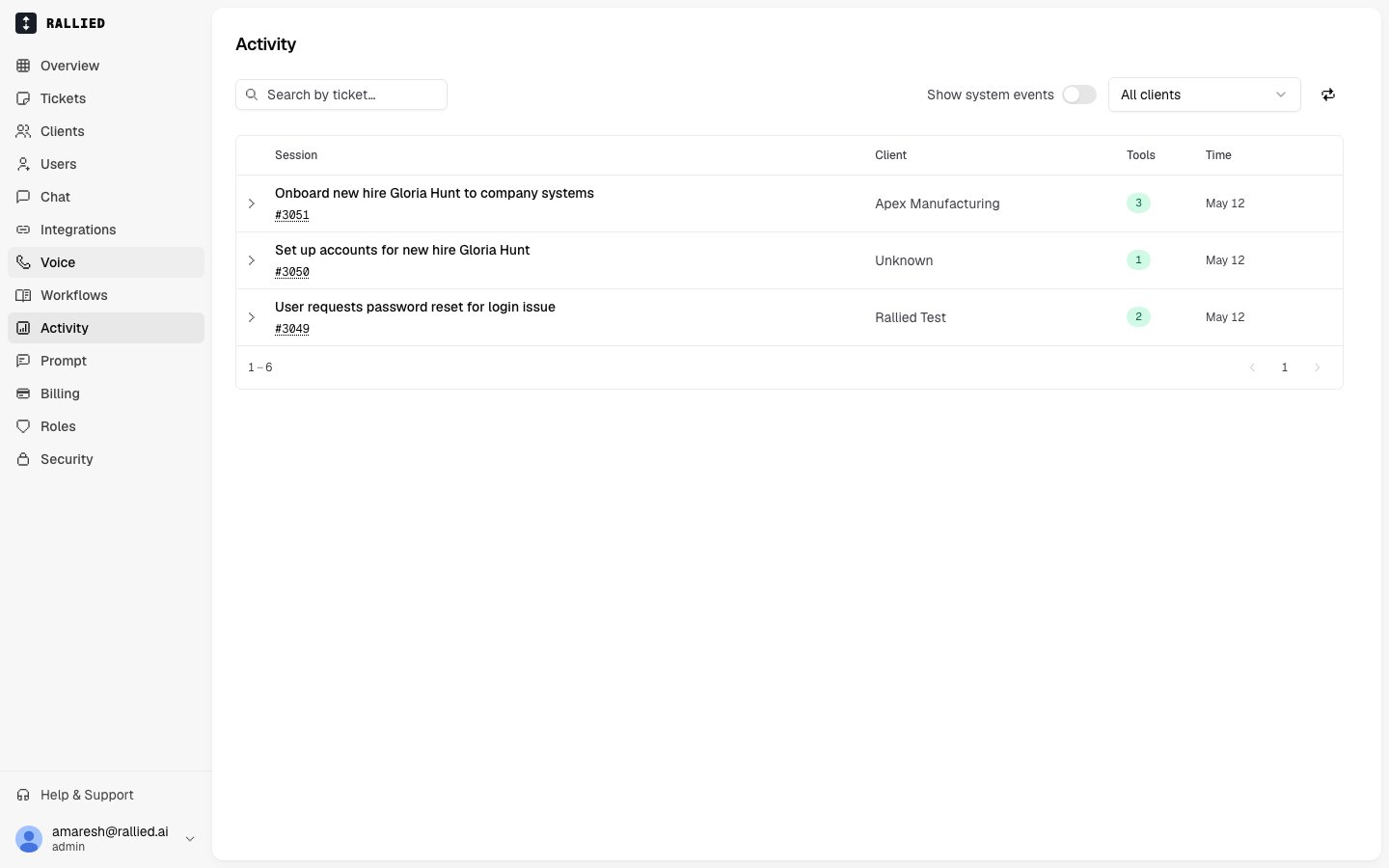
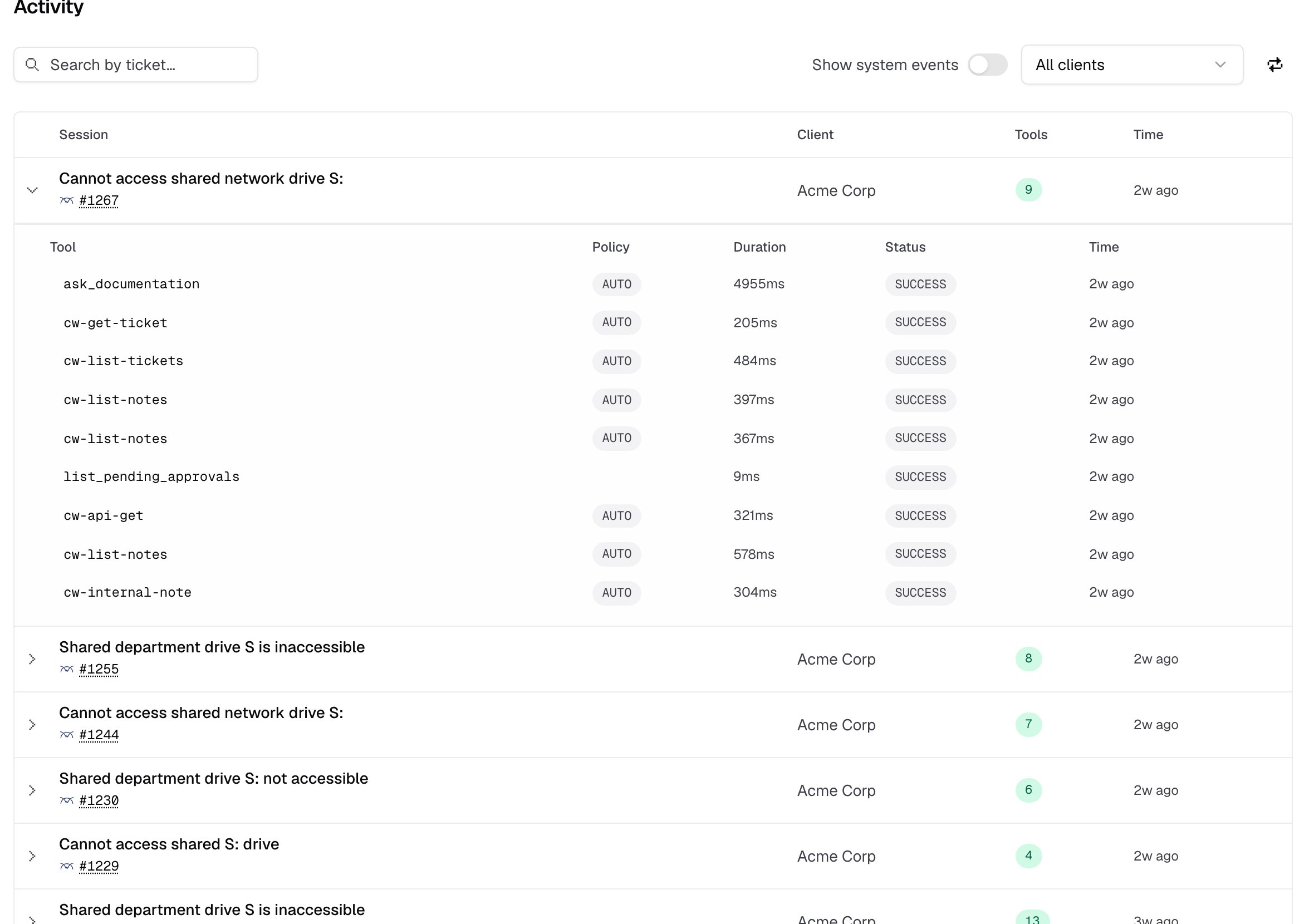
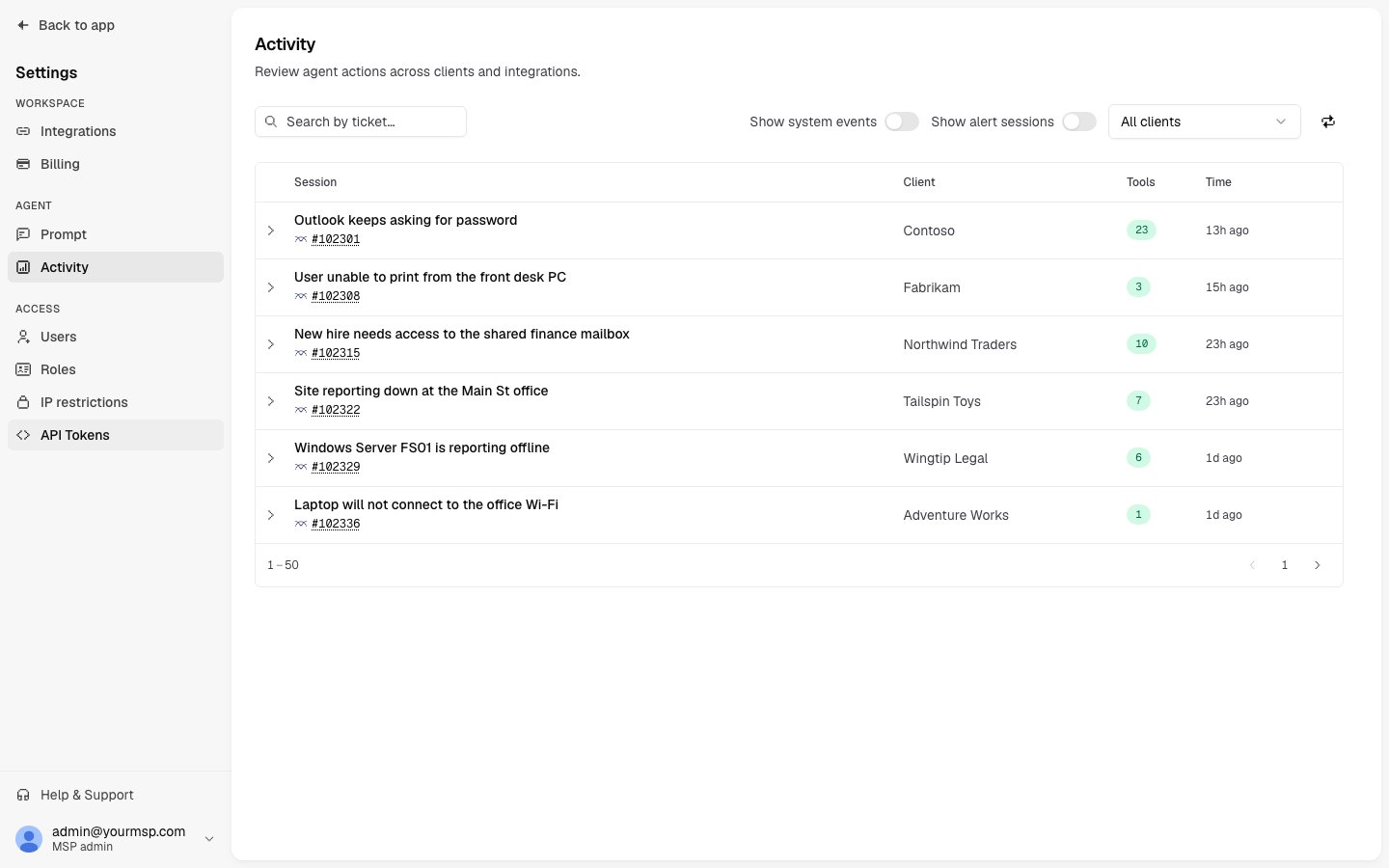
The Activity tab shows a chronological list of all tool executions for a client. Each entry includes:- Timestamp — when the action occurred
- Tool name — which integration tool was called (e.g.,
m365-reset-password,connectwise-add-ticket-note) - Parameters — the inputs passed to the tool
- Result — whether it succeeded or failed, with a summary of the output
- Triggered by — the session that initiated the call
- Audit what the agent did in response to a specific employee request
- Verify that approvals were properly enforced
- Investigate unexpected behavior
Diagnostics
The Diagnostics tab shows the operational health of the agent running for this client. It includes:- Agent status — whether the agent is running, stopped, or in an error state
- Recent logs — the agent’s output, useful for identifying errors
- Disk and memory usage — resource consumption on the agent’s server
If a client’s agent is unresponsive, check the Diagnostics tab first. Status and recent errors are visible here without needing to contact support.
Related
- Performance — the rates computed from this log.
- Memory — see the tickets a memory was learned from.
- Execute Mode — what an approval looks like in the log.
- Restricting access with IP allowlists — lock down who can read the log.